Last updated: 7 November 2026 · Written by Prateek Gupta, Founder & Educator, TalentPie
Search for digital marketing tools and you'll find lists of 50, 80, even 100. A beginner can't learn that many, and doesn't need to. Most of the work in a junior job happens in about a dozen tools, and most of those are free.
This is the list we actually use in class and at our agency, grouped by the job each tool does. For every tool you'll see whether it's free or paid, and when it's worth paying. If you're still getting the basics straight, our guide on what is digital marketing explains the jobs these tools are for.
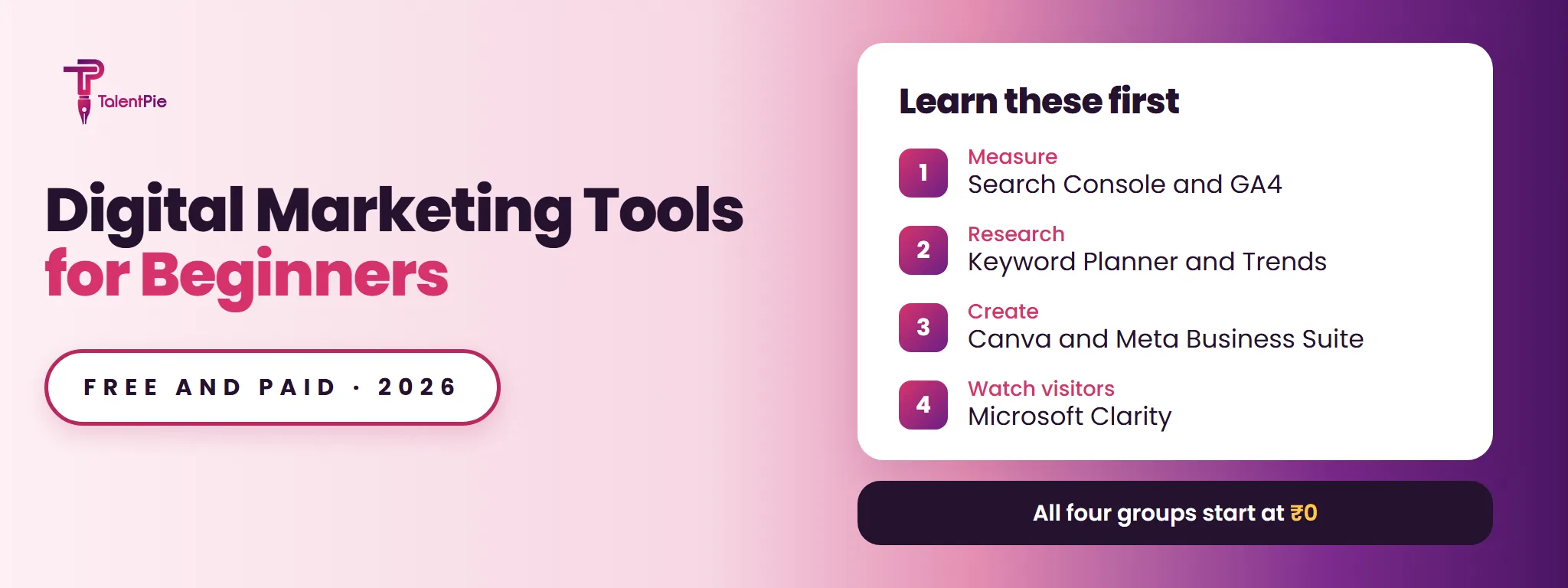
Quick answer: The digital marketing tools a beginner should learn first are Google Search Console and Google Analytics 4 (both free). Add Keyword Planner and Google Trends for research. Canva handles design; Meta Business Suite handles social posts. Then learn Google Ads and Meta Ads Manager, Microsoft Clarity for user behaviour, and an AI assistant like ChatGPT or Claude. You can start all of them at ₹0.
Which Digital Marketing Tools Should a Beginner Learn?
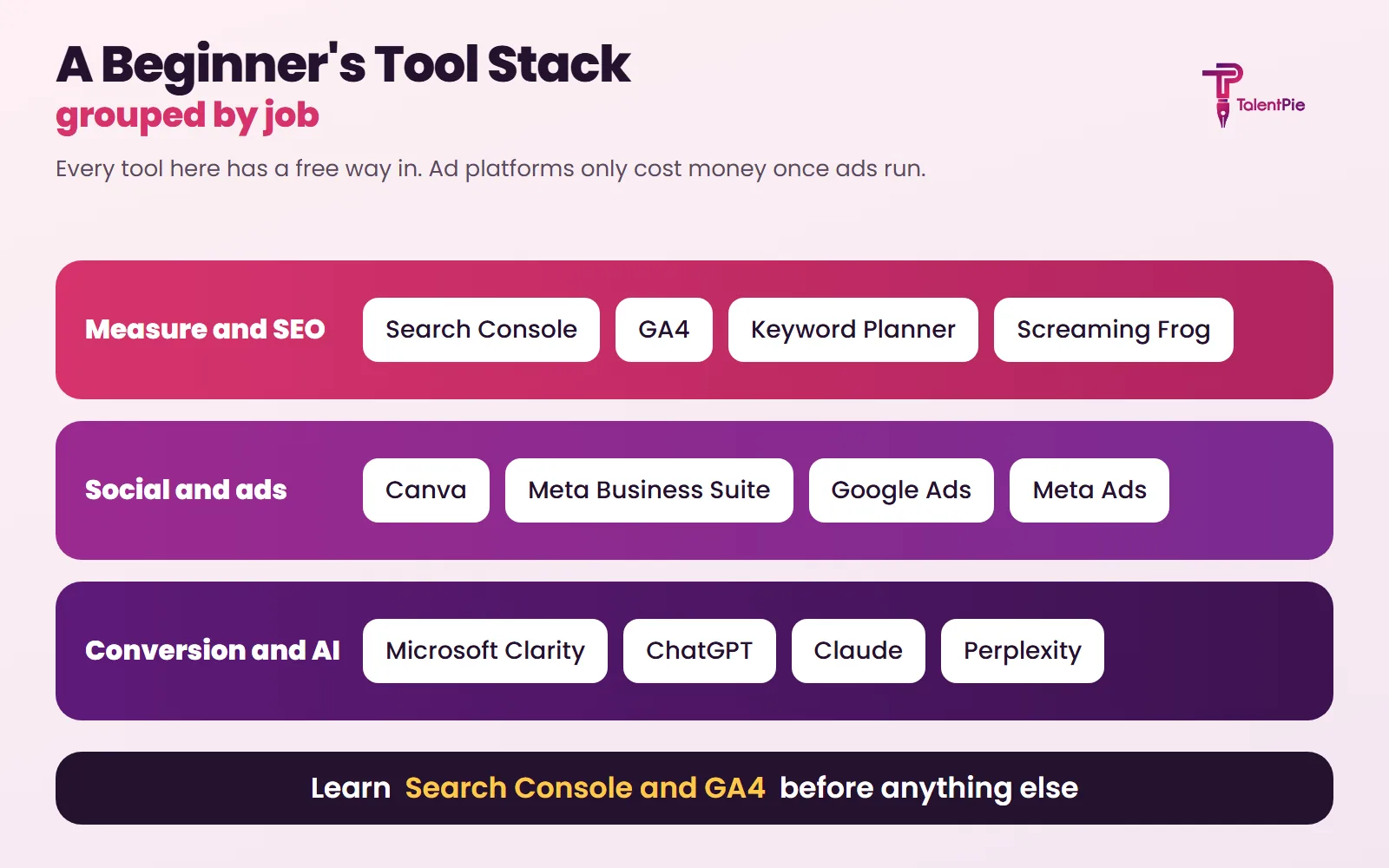
Learn the free Google tools first, then one tool for each channel you want to work in. The table shows the tools we teach in our 3-month course, what each is for and what it costs to start.
| Job | Tool | What you use it for | Cost to start |
|---|---|---|---|
| Measurement | Google Search Console | Which searches bring people to your site, and indexing errors | Free |
| Measurement | Google Analytics 4 (GA4) | Visits, traffic sources and leads | Free |
| Keyword research | Google Keyword Planner | Keyword ideas and rough search volumes | Free with a Google Ads account |
| Keyword research | Google Trends | Seasonality and rising searches | Free |
| Keyword research | Ubersuggest | Keyword ideas and competitor pages | Limited free searches, paid plans |
| Technical SEO | Screaming Frog SEO Spider | Crawling a site for broken links and missing tags | Free up to 500 URLs |
| Technical SEO | PageSpeed Insights and Rich Results Test | Speed, Core Web Vitals and schema checks | Free |
| Local SEO | Google Business Profile | Showing up on Maps and in "near me" results | Free |
| Social media | Canva | Designing posts, carousels and Reels covers | Free plan, paid Pro |
| Social media | Meta Business Suite | Scheduling posts and reading Instagram and Facebook insights | Free |
| Paid ads | Google Ads | Search campaigns | Free account, you pay for clicks |
| Paid ads | Meta Ads Manager | Instagram and Facebook ads | Free account, you pay for ads |
| E-commerce | Google Merchant Center | Product listings in Google Shopping | Free |
| Conversion | Microsoft Clarity | Heatmaps and recordings of real visitors | Free |
| AI assistants | ChatGPT, Claude and Perplexity | Research, first drafts, checking AI citations | Free tiers, paid plans |
Every row has a free way in. The ad platforms only cost money once ads run, so you can build a full portfolio before you spend a rupee on software.
What Are the Best Free Digital Marketing Tools?
The best free digital marketing tools are the ones Google and Microsoft give away. Search Console and GA4 come from Google; Clarity comes from Microsoft. Why free? Because both companies want your site to work well on their platforms.
Google Search Console
Open this first. On any job. Search Console shows the exact searches that brought people to a site and where each page ranks. It also tells you which pages Google couldn't index. When a client says "our traffic dropped", this is where you look first.
Google Analytics 4
GA4 tracks what visitors do once they arrive. The skill employers want isn't reading the default reports. It's setting up conversions so a form fill or a WhatsApp click actually gets counted. It goes wrong more often than you'd think. When we checked our own GA4 account this autumn, the lead events were firing but weren't marked as key events, so every channel showed zero conversions.
Microsoft Clarity
Clarity records real visitor sessions and builds heatmaps, at no cost. Watching ten recordings of people leaving a fee page teaches you more than a week of theory. It's humbling. You'll see them scroll past the price, tap a button that doesn't work, then give up.
Google Business Profile
For any local business, this is the free listing that shows on Google Maps. A coaching centre in Noida Extension with a complete profile (real photos, recent reviews) will get calls that its website never would. We've seen it happen.
Which Tools Do You Need for SEO?
For SEO, start with Search Console and Keyword Planner, then add Screaming Frog for technical audits. Paid suites can wait until someone else pays for them.
Keyword Planner lives inside Google Ads. You need an account, but you don't need to run ads to use it. Accounts with no ad spend see volumes as ranges instead of exact numbers, which is fine for a beginner. Google Trends fills the gap by showing when searches peak. Coaching searches jump before exam season. Sweets? Diwali.
The free version of Screaming Frog SEO Spider crawls up to 500 URLs. That covers almost every small business site you'll work on. It finds broken links and redirect chains. It also lists every page with a missing title. PageSpeed Insights and the Rich Results Test then check speed and schema, page by page.
What about Ahrefs and Semrush? They're excellent, and agencies use them daily. They're also expensive for a student. Learn the free tools properly and you'll pick up a paid suite in a week when a job gives you a login. Our SEO course in Noida teaches the free stack first for exactly this reason.
Which Tools Do You Need for Social Media?
Canva for design and Meta Business Suite for scheduling cover most social media work. Both have free versions that do the job.
Canva's free plan is enough to design posts and carousels. The Pro plan adds brand kits and a background remover, which saves time once you handle several clients. Meta Business Suite schedules posts for Instagram and Facebook together, and its insights tell you which posts reached people outside your followers. For Reels, the editing tools inside Instagram itself are fine to start with.
The tool matters less than the plan. Much less. A month of posts built around three or four content themes beats beautiful designs posted at random. Our social media marketing course spends as much time on planning as on Canva.
Which Tools Do You Need for Paid Ads?
Google Ads and Meta Ads Manager are the two you'll use most. Opening an account is free; you pay only for the ads that run.
You don't need a big budget to learn, and you shouldn't wait until you have one, because the lessons that stick only come once your own money is on the line and you watch what it buys. A campaign of a few hundred rupees a day for a week teaches you how bids and match types behave with real money. But learn tracking first. Set up UTM tags, add the Meta pixel and mark conversions in GA4. A campaign you can't measure is a campaign you can't fix. We cover both platforms, plus tracking, in our performance marketing course.
Which AI Tools Are Used for Digital Marketing?
ChatGPT and Claude are the AI tools marketers lean on most, with Gemini and Perplexity close behind. They're used mainly for research and first drafts. The real skill is knowing where they go wrong.
Here's what AI tools do well in a marketing job:
- Grouping a list of 300 keywords by intent in a few minutes.
- Writing ten first-draft ad headlines so you can pick and fix the best two.
- Summarising a long client brief or a competitor's website.
- Turning a blog post into captions for Instagram and LinkedIn.
And what they do badly? They make up statistics and guess search volumes. Their writing also has a flat style that readers spot quickly. Check every number an AI tool gives you against a real source. There's a second use, too. These assistants are now a place where people find brands, so marketers test whether a client gets named in ChatGPT or Perplexity answers. That's the AI search side of SEO, explained in our guide to SEO vs AEO vs GEO. In our course, students set up Claude Pro with their own prompt library in the final weeks, and we run a separate AI digital marketing course page with the full detail.
When Is a Paid Tool Worth It?
Pay for a tool when it saves you more hours than it costs, usually once you have paying clients. Until then, free tools are enough.
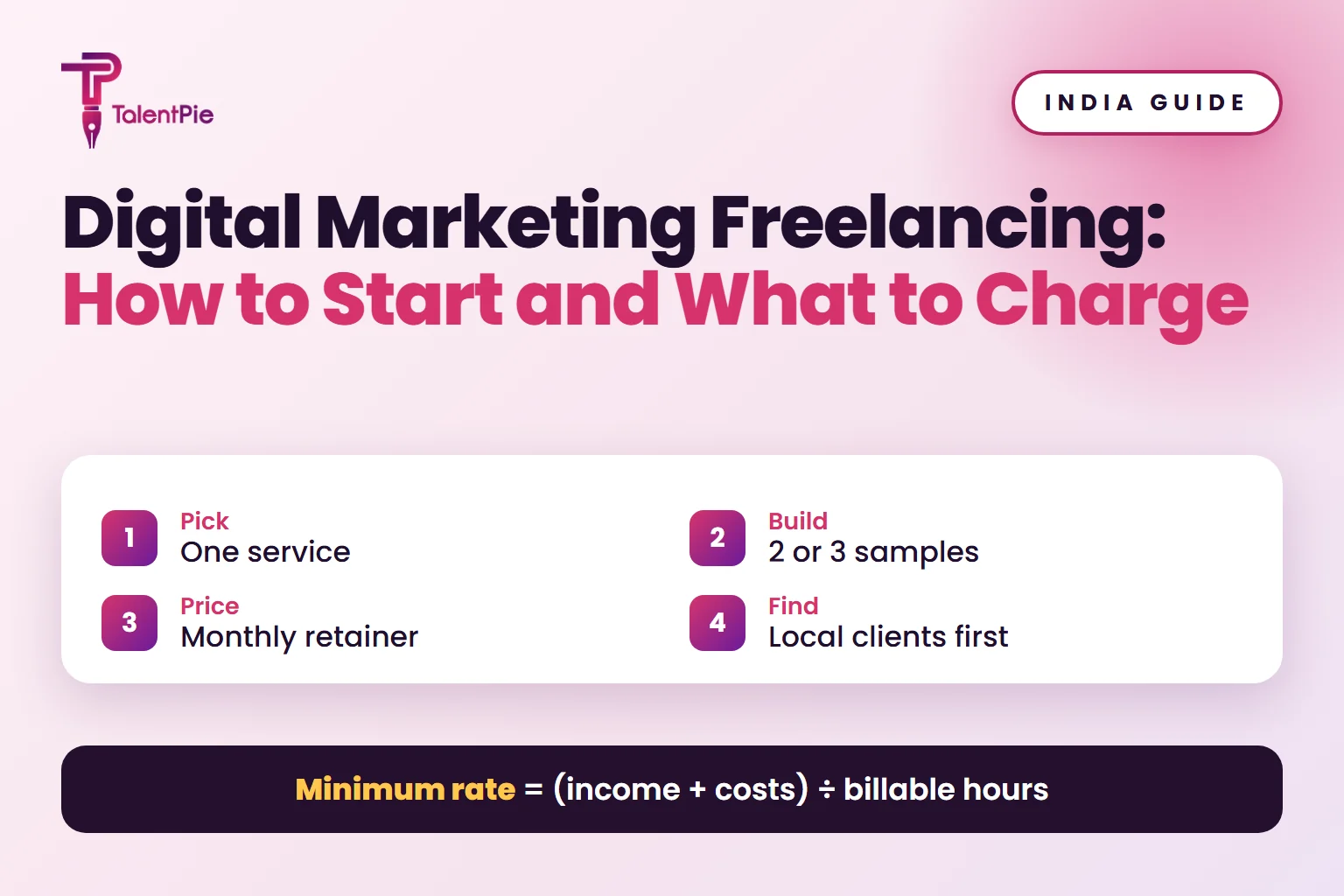
A simple rule we give students: if you're doing the same task by hand every week for a client, look for the paid tool that does it. Canva Pro tends to be the first upgrade freelancers buy. An SEO suite usually comes next, once you handle three or four SEO clients. If you're thinking of going freelance, our guide to digital marketing freelancing in India covers how to build tool costs into your price.
Do Employers Care Which Tools You Know?
They care more that you can get answers from a tool than which logos are on your CV. Interviews usually test this with a real screen.
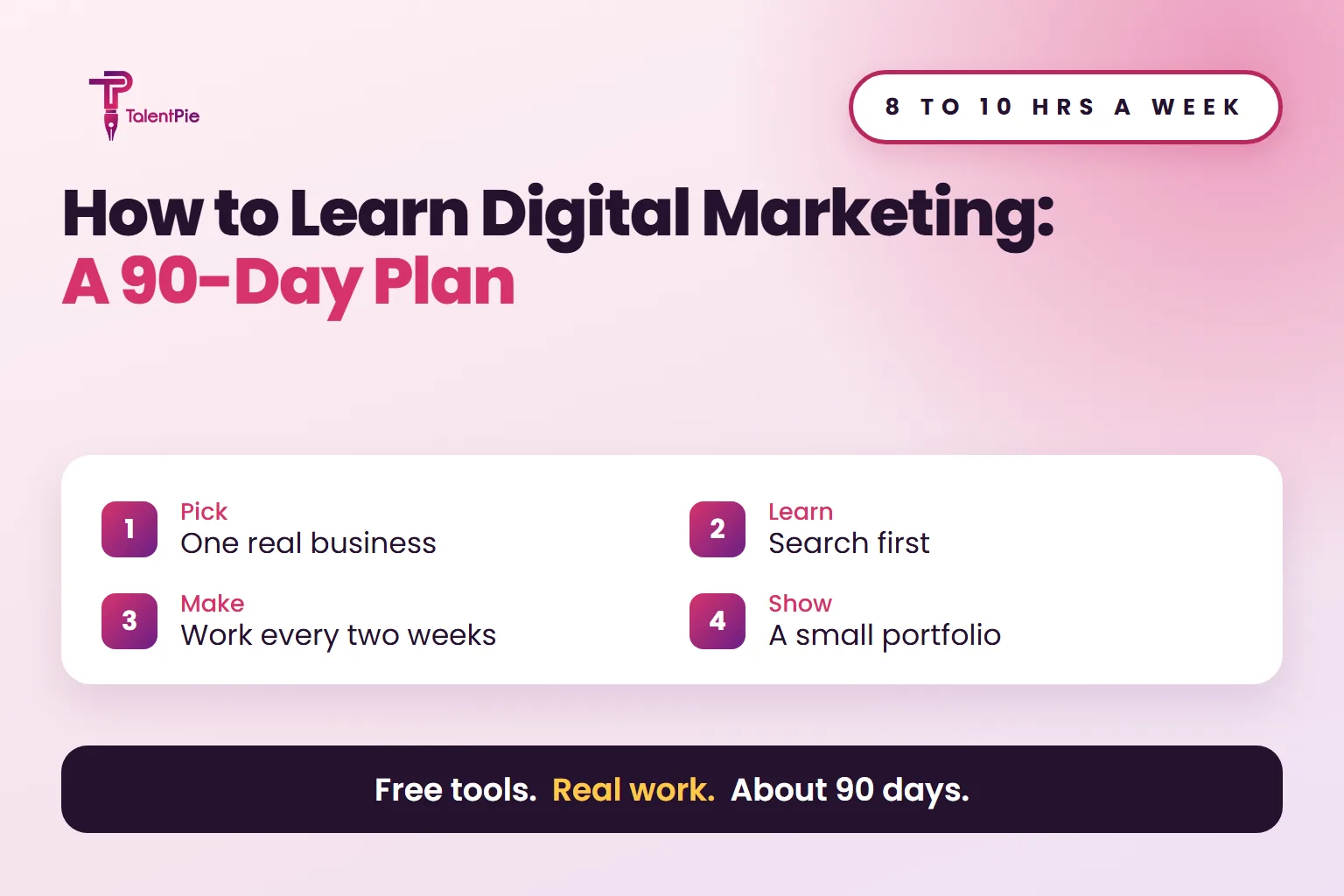
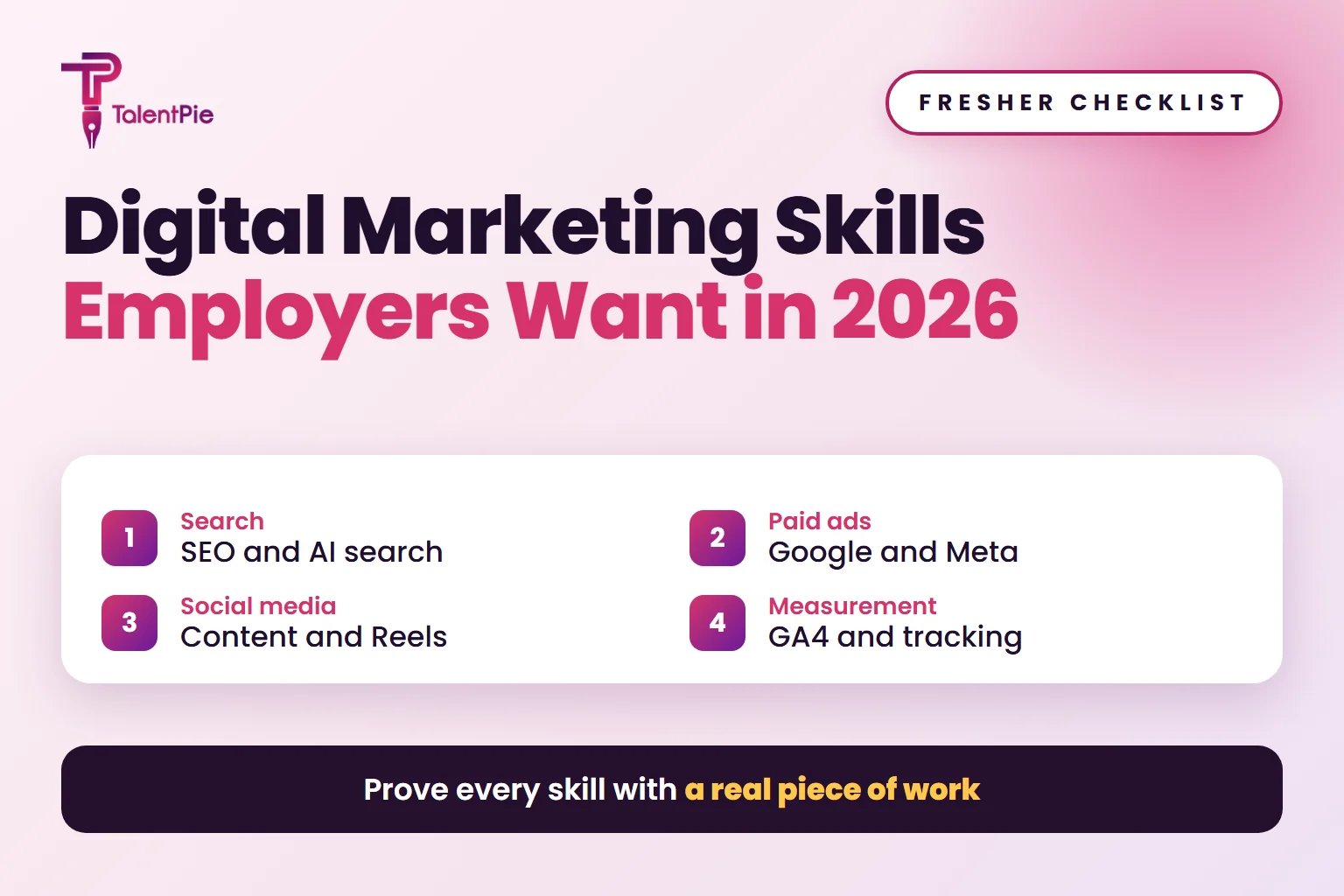
A common interview task is "here's a Search Console account, what's wrong?" or "this campaign's cost per lead doubled, why?" Knowing the menus helps. Knowing what to look for helps more, and that only comes from hours of opening real accounts, finding something odd and working out why it happened. That's why our guide to digital marketing skills employers want puts analytics at the top of the list. If you're working out where tools fit in the bigger picture, start with our guide to the types of digital marketing. Then use our 90-day plan to learn digital marketing to practise them in order.
Frequently Asked Questions
What are the best free digital marketing tools?
The best free tools are Google Search Console and Google Analytics 4 for measurement. Keyword Planner and Google Trends handle research, and Microsoft Clarity shows visitor behaviour. Canva's free plan covers design, and Meta Business Suite covers social posts. Google Business Profile is free for local SEO.
Which digital marketing tools should a beginner learn first?
Start with Google Search Console and GA4, because every channel is judged through them. Then learn Keyword Planner for research and Canva for design. Google Ads and Meta Ads Manager come once you understand tracking.
Do I need to pay for SEO tools as a beginner?
No. Search Console is free. So are Keyword Planner and Google Trends. The free version of Screaming Frog crawls up to 500 URLs, which covers most small business sites. Paid suites like Ahrefs or Semrush can wait until a job or client pays for them.
Which AI tools are used in digital marketing?
ChatGPT and Claude are the most common, followed by Gemini and Perplexity. Marketers use them to group keywords and draft ad copy. They're also used to summarise briefs and to check whether a brand is cited in AI answers. Every fact or number they give needs checking against a real source.
Is Canva enough for social media design?
For most beginners and small business accounts, yes. The free plan handles posts and carousels, plus Reels covers. Canva Pro adds brand kits and a background remover, which helps once you manage several clients.
Do employers ask about tools in interviews?
Yes, but usually as a practical task, not a quiz. Expect to be handed a real Search Console or ads account and asked to explain what you see. Being able to find the problem matters more than knowing every menu.
About the Author
Prateek Gupta is the founder of TalentPie and leads its digital marketing course. He teaches inside Gary Global Solutions, a working digital marketing agency in Greater Noida West, where students work on live client projects for real businesses. He shares practical lessons on his YouTube channel, Grow with Prateek Gupta.
Want to Learn These Tools on Real Accounts?
Our 3-month digital marketing course teaches every tool in this list on live accounts, with a mentor checking your work each week. The full tool list is in the digital marketing course syllabus.
Book a free counselling call, or call us on 8826789578.